
Blobs and waves
You may have noticed in recent years more designs incorporating blobs or waves - this has become a popular trend and I think it is here to stay for a while. These simple shapes can really help out your websites by creating depth, separating sections, and simply filling out whitespace.
Adding a wave is a fantastic way to add separation between sections or containers of your design.
Adding a blob is a fantastic way to add depth and take up white space of your design.
Alright let's look at how to generate blobs and waves - and you don't need any prior design tool knowledge.
Waves
Get Waves is an awesome web application created by z-creative labs. Right from inside the browser you can genarate all sorts of varying wave shapes. You've got control over the color, period of wave (how many waves), style of wave (sin, square, triangle), opacity, and position.
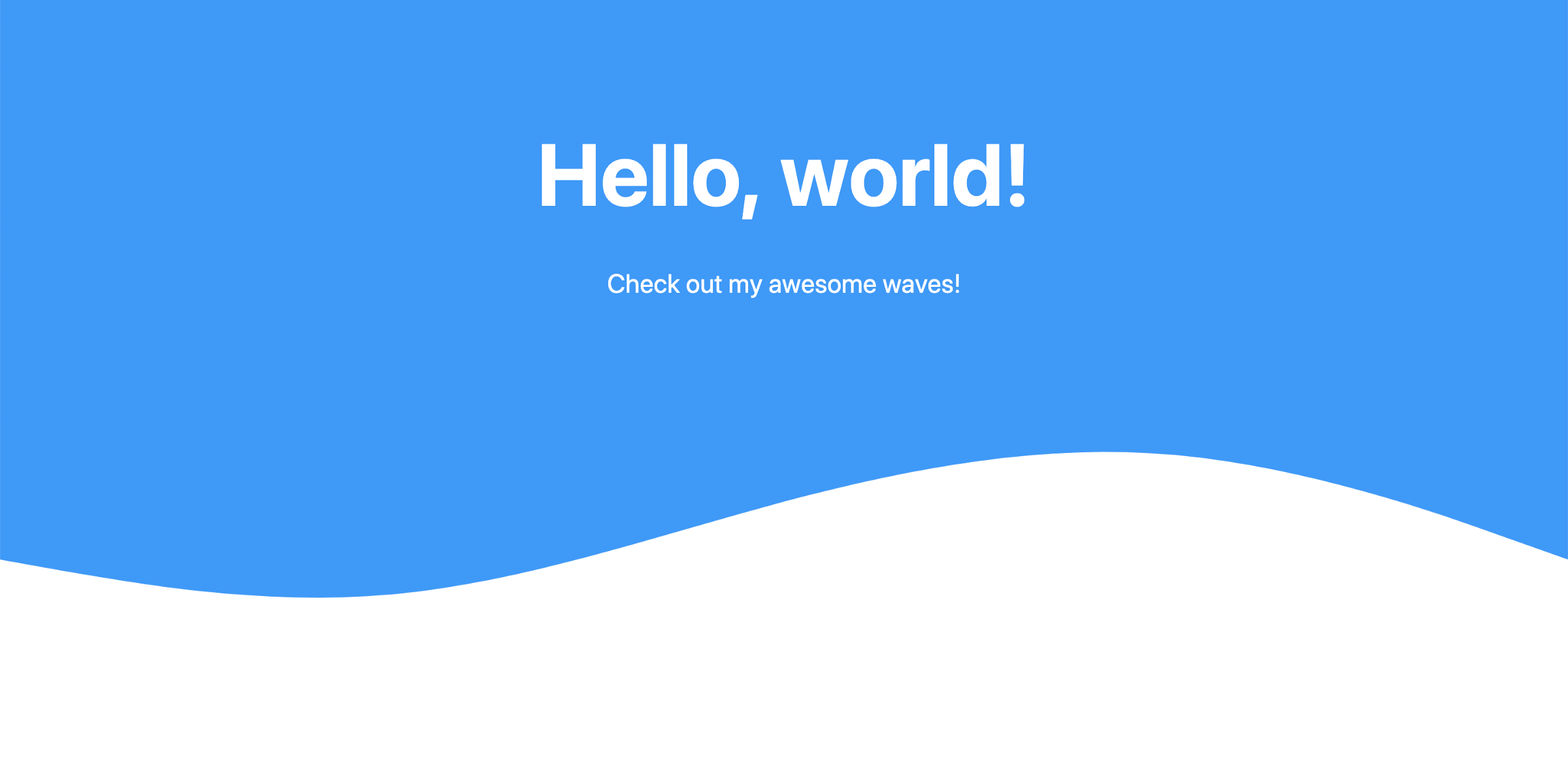
Here is a very simple example of using a wave for your heading section.
Blobs
Blob Maker is an awesome web application also created by z-creative labs. Right from inside the browser you can genarate all sorts of varying blob shapes. You've got control over the color, how many sides, and the roundness.
Here is a very simple example of using a blob to create some depth and fill out white space.

Going Further
There's endless possibilities to further develop these shapes and how they are used. Here is some food for thought:
- Add gradient background
- Combine multiple waves
- Add animations
- Overlap blobs and mix the color blend
Hope you enjoyed this short post and are able to use these very simple shapes to enhance your webpages!